
Relor Live™
Try Relor Live™
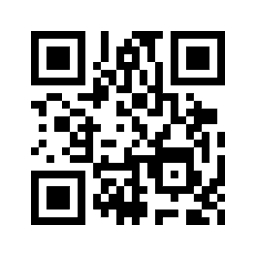
Scan the QR code, point your phone at the photo displayed on another screen, and watch the photo come alive with video.
Best demo setup
Use two devices for the best demo.
Device 1 shows this page with the QR code and image target.
Device 2 runs the Relor Live™ app and scans the QR code and image.
How to try the demo
- 1Open this page on a second device, like a computer, tablet, or another phone.
- 2Download and open Relor Live™ on your phone.
- 3Scan the QR code below inside the app.
- 4Point your phone camera at the matching image target on this page.
Step 1: Scan this QR code in the Relor Live™ app
Important: Keep this page open on another device while using the app on your phone.
Step 2: Point your camera at this exact image

Or try this image target

For best results, pull away from image, keep the full image visible and hold the phone steady.